Analyze
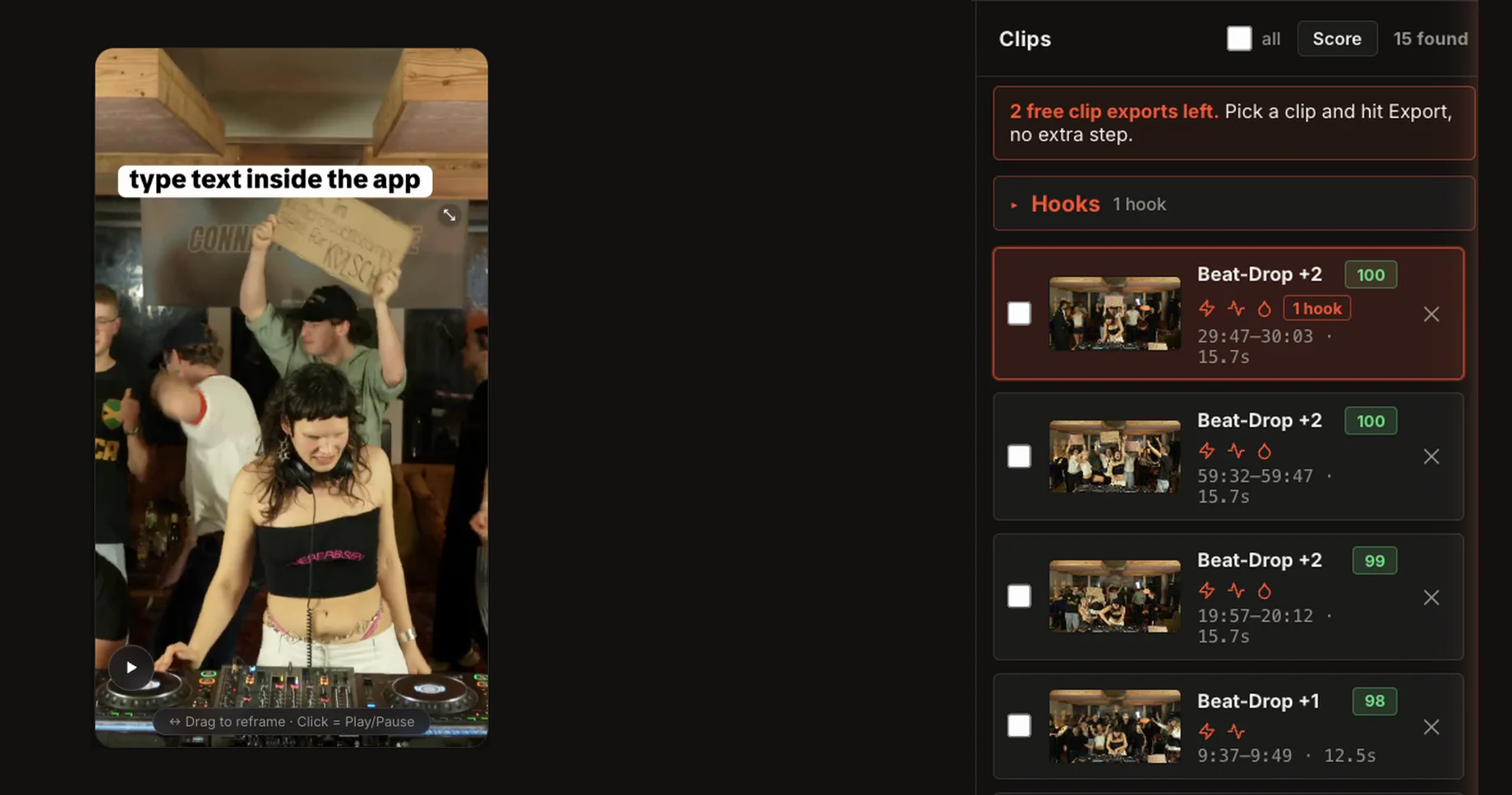
Upload your DJ set, from one camera or multiple angles. MultiCut syncs them and finds the drops.
 MultiCut
 analyzes your DJ set, scores every drop and syncs multiple camera angles. Pick the best clips, edit them in your browser and export right away.
Create your free account now, edit on your computer later.
Free account: 2 set analyses and the set editor. Nothing to install.
How it works
Analyze your set, edit inside your browser, export, post!
Upload your DJ set, from one camera or multiple angles. MultiCut syncs them and finds the drops.
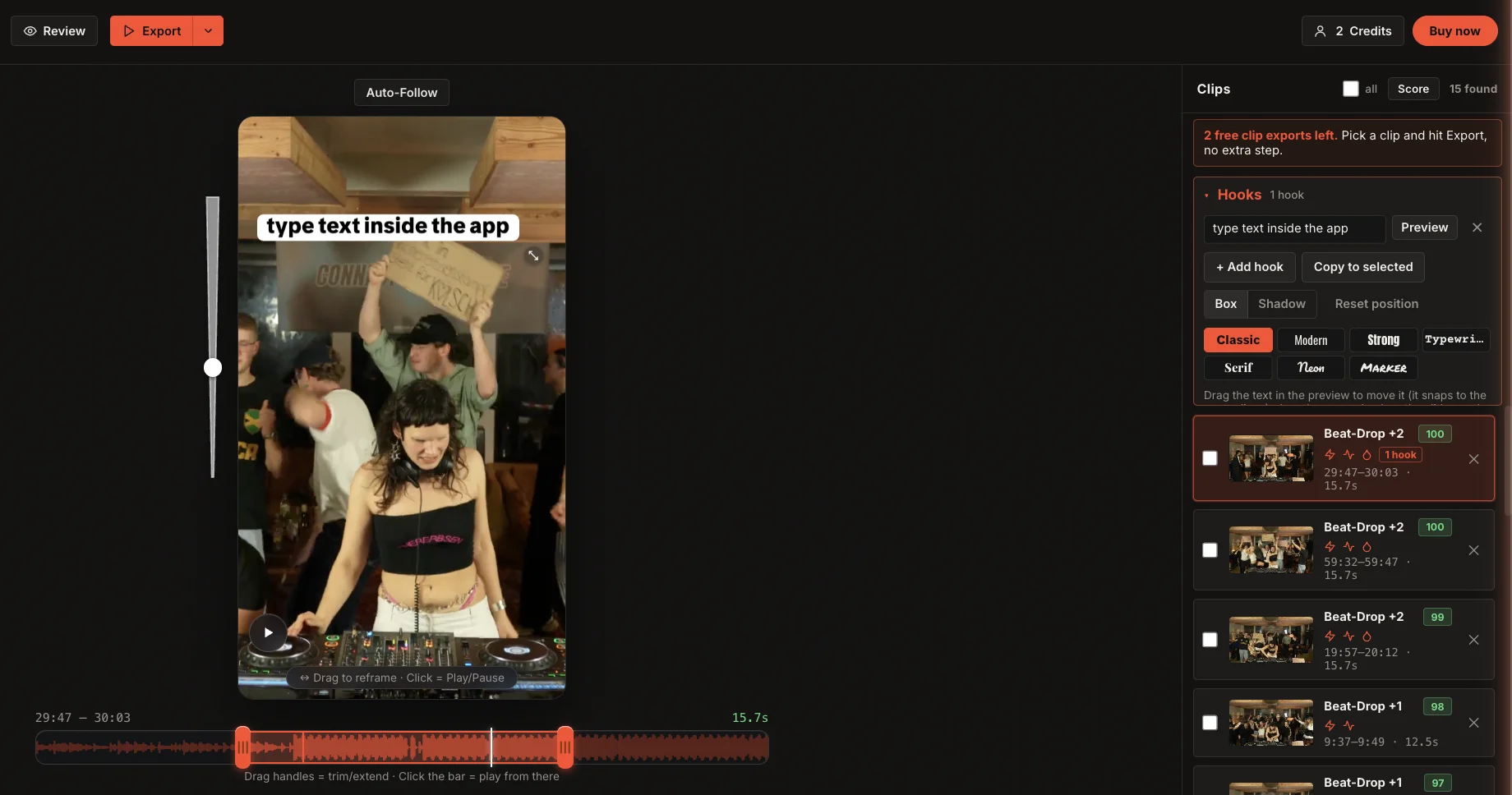
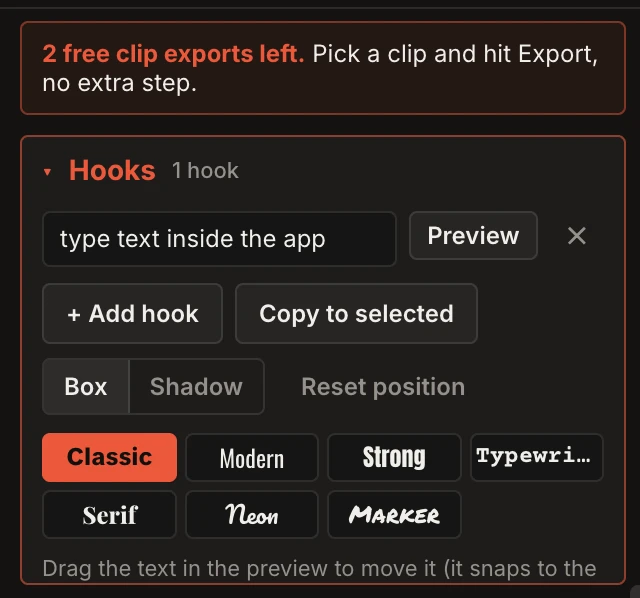
Add hooks and effects to any clip and see the result right away.
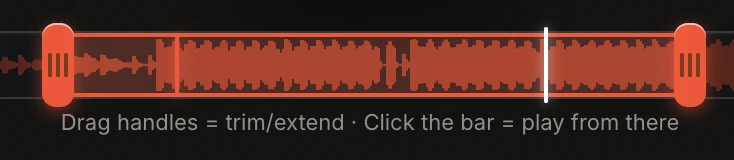
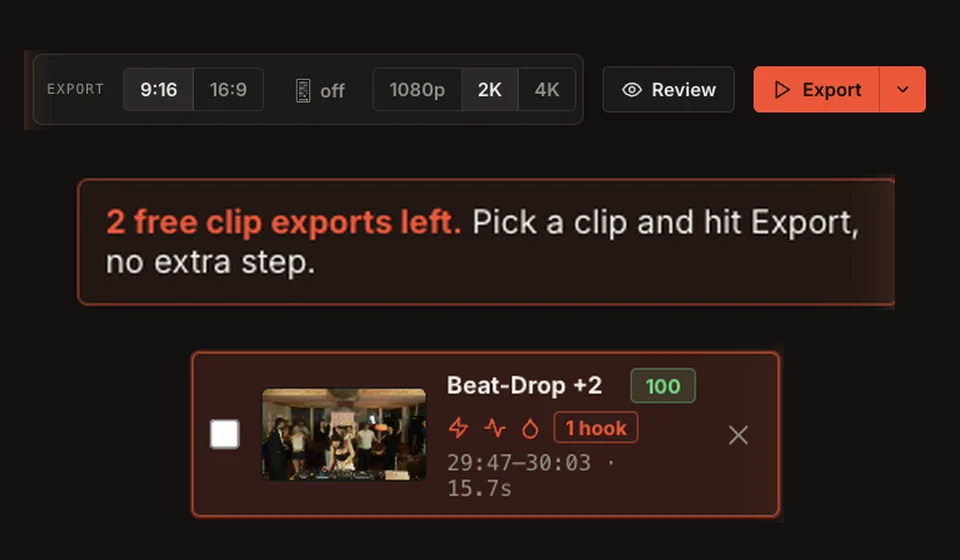
Pick 9:16 or 16:9 and up to 4K. No extra software needed.
Guide
Watch a full edit, from the set to the finished clip.
Your files
MultiCut edits and exports video in your browser. For clip suggestions, the app sends analysis values such as loudness and motion curves to the server, but no video or audio files.
Account and payment services need a connection.
Pricing
With a free account you can analyse two sets and try the set editor. Depending on your account, you also get a few watermarked exports or a 7-day free DJ trial (card required).
€0
€15.99/ month
€29.99/ month
Monthly plans. DJ: One clip costs 1 credit; a full set export costs 10 credits. Subscription credits reset monthly. *Pro: Fair use up to 500 clips per day. No VAT charged under § 19 UStG.
FAQ
Yes. MultiCut analyses your recording and suggests clips. Audio sync helps line up multiple camera angles. Review the suggestions before exporting: a detected drop is not always the moment you want to post.
Yes. Start with a single recording. You only need multiple cameras if you want to switch between angles in the edit.
Yes. Use the set editor to adjust and export the full edit. On the DJ plan, a full set export costs 10 credits.
The score ranks possible moments so you can compare candidates. Listen to a clip and decide which moments you want to export.
AutoCut places cuts on the set timeline, including at detected drops and edges. You can review and adjust the edit afterward.
Choose Punch, Push, Shake, Flash or Pulse, set the strength and beat length, then apply an effect to individual cuts, all drops or every cut.
Yes. Add text or branding to a clip and check the preview before you export.
In portrait video, Auto Follow tracks the performer and moves the crop. You can still adjust the framing yourself.
We recommend Chrome on a computer for the web app. Longer recordings need memory and processing power. Try your workflow with a short section first.
It depends on your computer, the files and the length of the set. Analysis and video export are separate steps. Test both with your own recording before planning a long export.
Video and audio files stay on your computer for editing and export. The app sends analysis values for clip suggestions.
Open a recording and see which clips MultiCut suggests.